
My $390 Mac Mini Is More Powerful Than a $1,599 One (At Innovation)
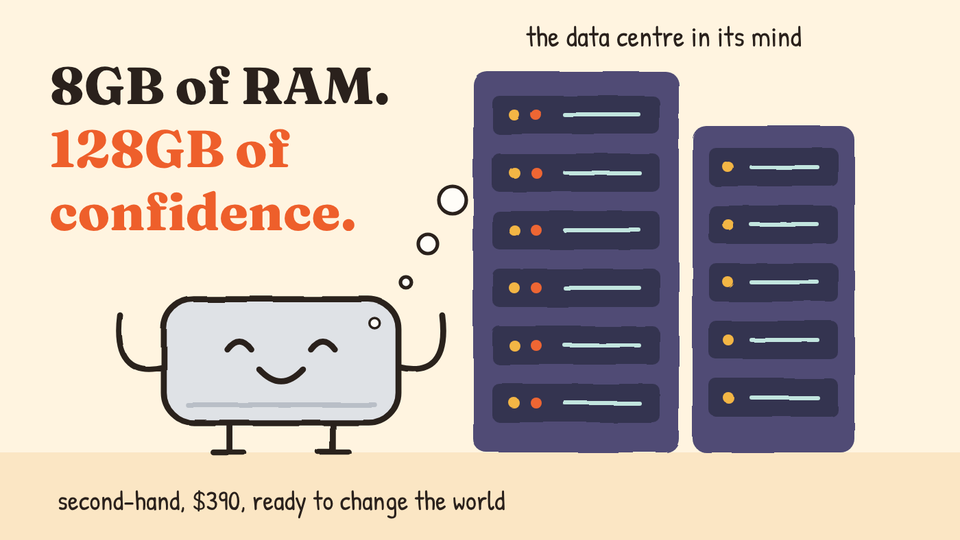
I was too cheap to buy more RAM, so Claude and I built a queue for it instead.
I already have a MacBook Pro that does everything I need (M3 Pro, 32GB of RAM). But I wanted a small always-on machine that could sit in my storeroom and let Claude build things while I was out, so I went looking at Mac minis.
At one point I was seriously considering a new M6 with 32GB of RAM, a 512GB SSD and 10-gigabit Ethernet, for $1,599. Then I was very, very tempted by a refurbished M4 with 16GB of RAM at about $765, which is also what Claude told me to get.
What I actually bought was a second-hand M2 with 8GB of RAM and a 256GB SSD, for S$499 (about $390). Super low specs, but every other price point felt like it needed much more justification for budget approval. Once it dropped below the S$500 mark, it qualified as a hobbyist experiment. It was “kinda for fun”, which is what I say once I’ve already decided to buy something.
I did have to defend this to Claude. I pointed out that people code on a MacBook Neo with 8GB of RAM, and Claude agreed it was doable, on one condition, which it put in bold:
Don’t run iOS and Android simulators at the same time.
I said thanks, and then I ran iOS and Android simulators at the same time.

Four simulators in, stuff was crashing
The resource issues showed up very quickly. Four simulators in and stuff was crashing. I’d love to give you a more technical word than “stuff”, but everything was going down at the same time and I wasn’t in a position to take notes.
One time I went into the Mac and there were sooooo many error messages and crash reports waiting for me. Apparently they were all from simulators. I forgot to screenshot it, so you’ll have to take my word for it.
Even running one iOS simulator next to one Android emulator was a struggle. That same pair is fine on my MacBook Pro, and I had never had a reason to think about it.

The sensible thing would be to upgrade, right? Get a better Mac mini. Even just 16GB would be far better. I wouldn’t even need 32GB. But I wanted to make this work without spending more. The budget had only just approved a cheap hobbyist experiment, and I did not fancy going back so soon to explain why the experiment now needed a second, more expensive experiment.
So I asked Claude if we could make the projects take turns instead.
Everyone takes a number
Claude and I built a queue system where each heavy job costs some units, and projects take turns:
- iOS simulator: 1 unit
- Android emulator: 2 units
- DaVinci Resolve: 2 units
- Maximum running at any one time: 2 units

If the units are taken, a project waits until they free up. Two iOS simulators can run together, but Android and DaVinci Resolve each need the whole machine to themselves.
No more RAM issues, though every project now keeps wondering if it can go next. “Would you like to prioritize Resolve in the queue? Otherwise I won’t know when I would ever get a turn!”

13GB left
With the RAM sorted, the next problem was the SSD. I looked one day and had 13GB left out of 256GB, which was getting precarious. That’s a problem for ongoing project work, but it’s also where macOS keeps its swap, and an 8GB Mac leans on swap a lot. Run out of disk and the memory problem I had just fixed comes right back.
A lot of that space was being wasted in each simulator’s cache. Every simulator was holding on to its own pile of things it might need someday.

So I introduced throwaway simulators. A fresh one gets created for a job, does the job and gets deleted, and its cache goes with it. Suddenly I was back to 100GB of free space.

I also extended my working space onto my NAS, so the mini’s little SSD doesn’t have to hold everything by itself and there’s room left for swap.
What would you do with $1,000?
None of this would exist if I had bought the better machine. With 32GB of RAM and a bigger SSD, I would never have spent a minute on a queue system or throwaway simulators. I know this because I already own a MacBook Pro with 32GB of RAM, and I have never once wondered how much space its simulators are using.

Tight constraints give life to innovative workarounds.
It’s much easier to answer “what would you do with $1,000?” than “what would you do with all the money in the world?” The second one sounds more exciting, but you end up staring into space and saying something about a boat. The first one gets a real answer straight away. (If I had S$1,000 right now, I would probably buy a 16GB Mac mini lol.)

8GB of RAM was my $1,000 question. “How do I get all of this running on 8GB?” gave me a queue, throwaway simulators and a NAS setup. “What should I do with my nice new $1,599 Mac mini?” would have given me a nice new $1,599 Mac mini.
I would never have spent the time on these optimisations with a better machine. And now I really feel like I’m maxing out this second-hand purchase, which is more than I can say for most of the gear I own.
The storeroom studio
The last piece was hooking up my JetKVM, a small KVM-over-IP box that plugs into the mini’s HDMI and USB ports. If the mini ever needs someone at its screen and keyboard, I have quick access on the go.

The outcome is still amazing. With Claude remote control, I can work on everything from iOS apps to Android apps to web apps, and even throw together edited videos with sound effects and audio, all remotely from my iPhone Duo.
All of that goes through a $390 computer in my storeroom, with less RAM than some browser tabs would like.

Low cost, high productivity
So the experiment worked. I spent $390, and I have personally met every limit this machine has.
Everything is running within budget now, with one exception. Claude Max 5x is warning me that I might hit my weekly limit early.

I optimised the RAM. I optimised the SSD. The one thing I forgot to rate-limit was my list of things to build next with Claude.
Oops.
